
Forgotten Password
Passwords, security questions and setting up Google Authenticator.
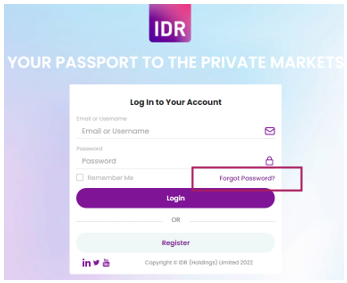
If you have forgotten your password, you can click here or go to Forgot Password option on the Login page:

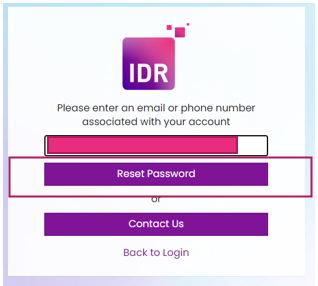
Ensure that you have added the email associated with your account click on Reset Password:

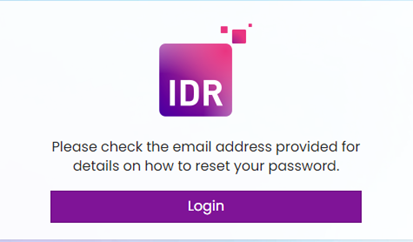
A pop up will appear with the following: check the email address provided for details on how to reset your password.

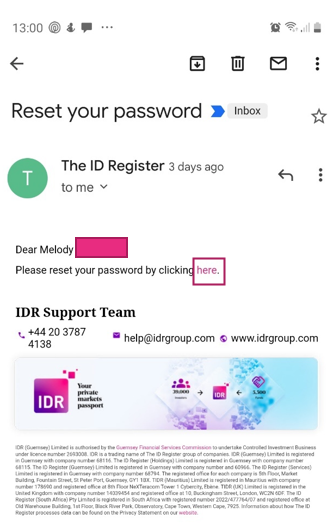
In the email you receive click on the link that says ‘here’

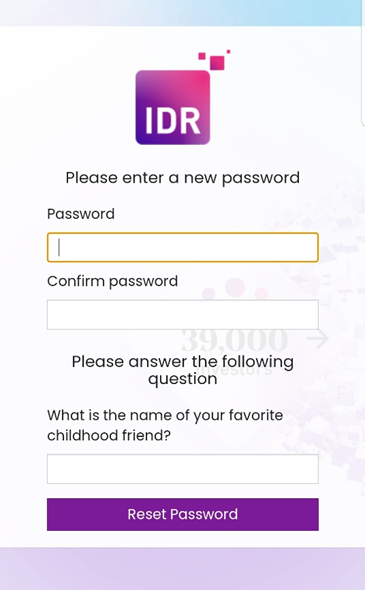
You will be taken to the reset password screen.

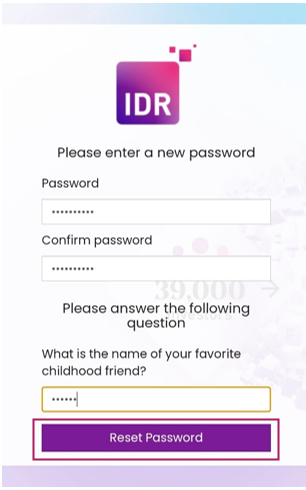
Fill in your new password, answer your security question and click Reset Password:

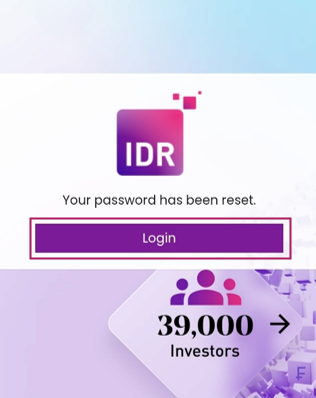
Your password has been reset and you can log in as usual using your new password.
